
PLAN
Make it your routine.
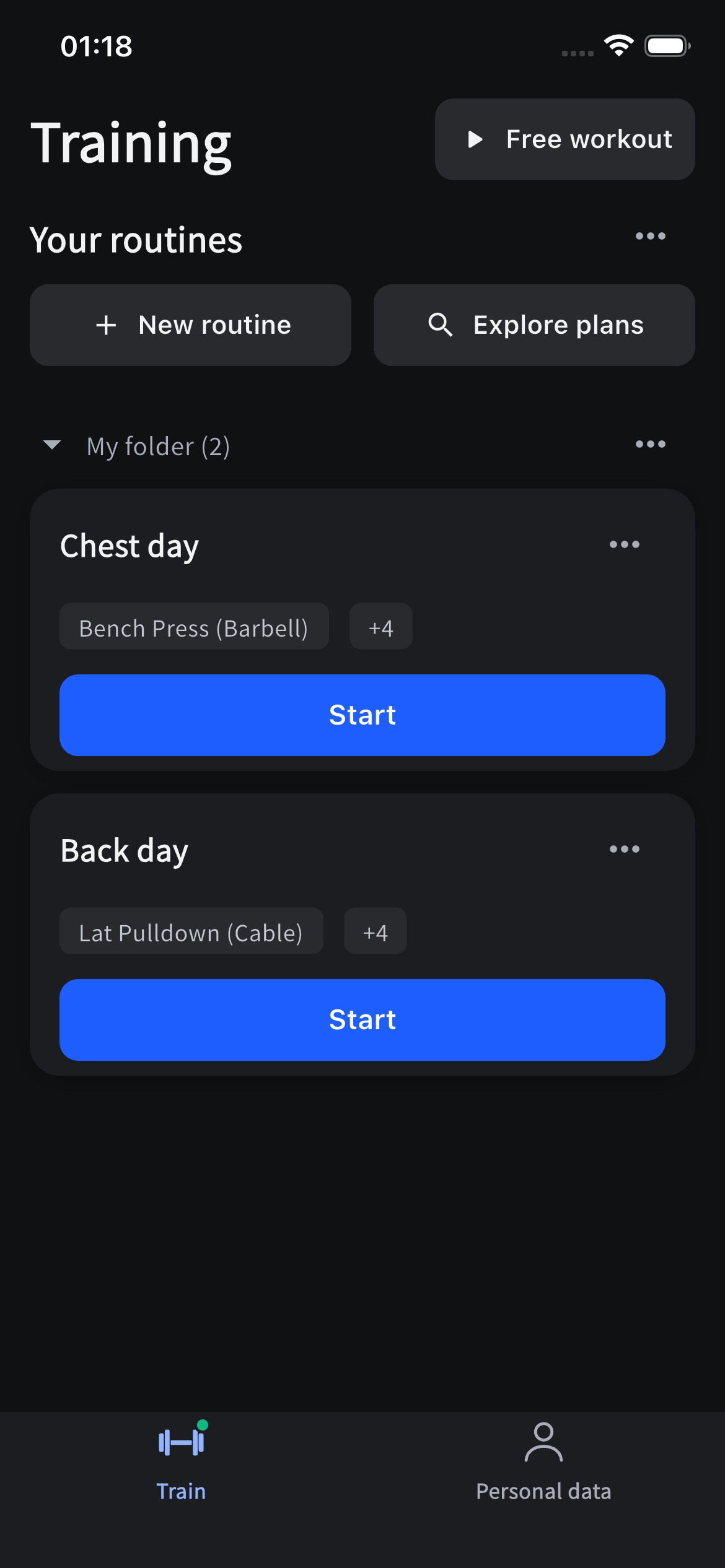
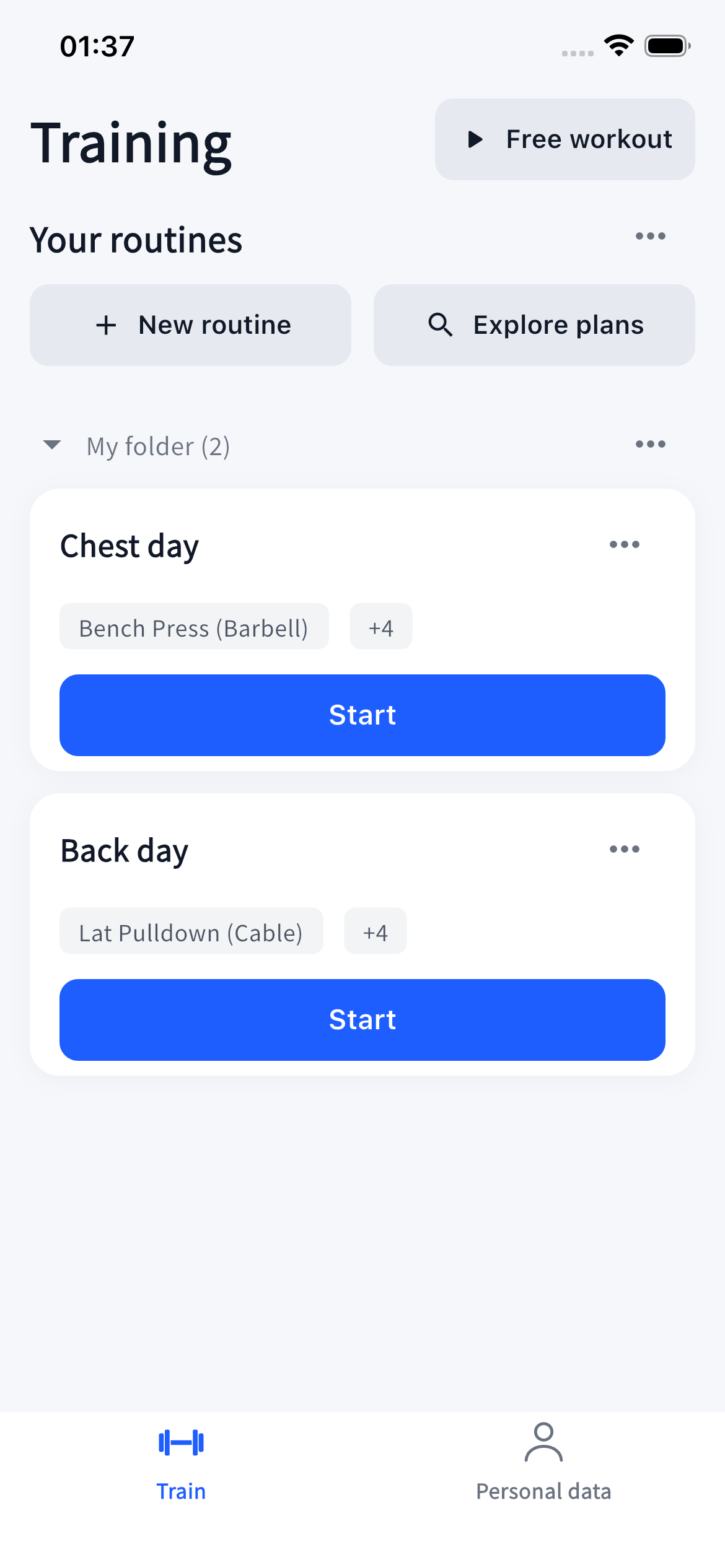
Build a session around the way you train. Start with an exercise library, save your own routines, and make them yours.

Your only rival is you.
Playback unavailable? Download the video below. Download this video
A private strength training journal. Log your sets, see your previous performance, and follow your own progress. No social feed. No Solift account. Free core logging, with a one-time Pro upgrade.
Build a session around the way you train. Start with an exercise library, save your own routines, and make them yours.
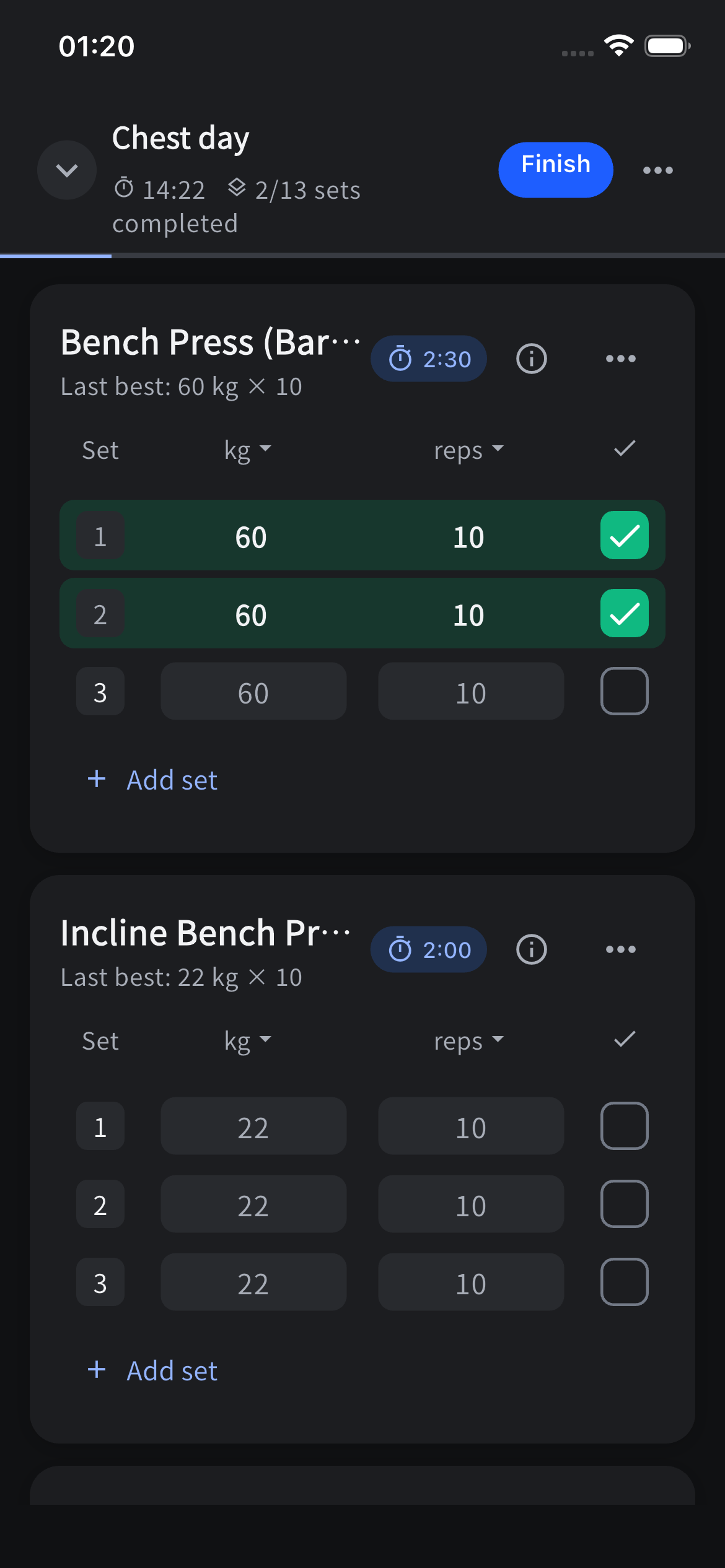
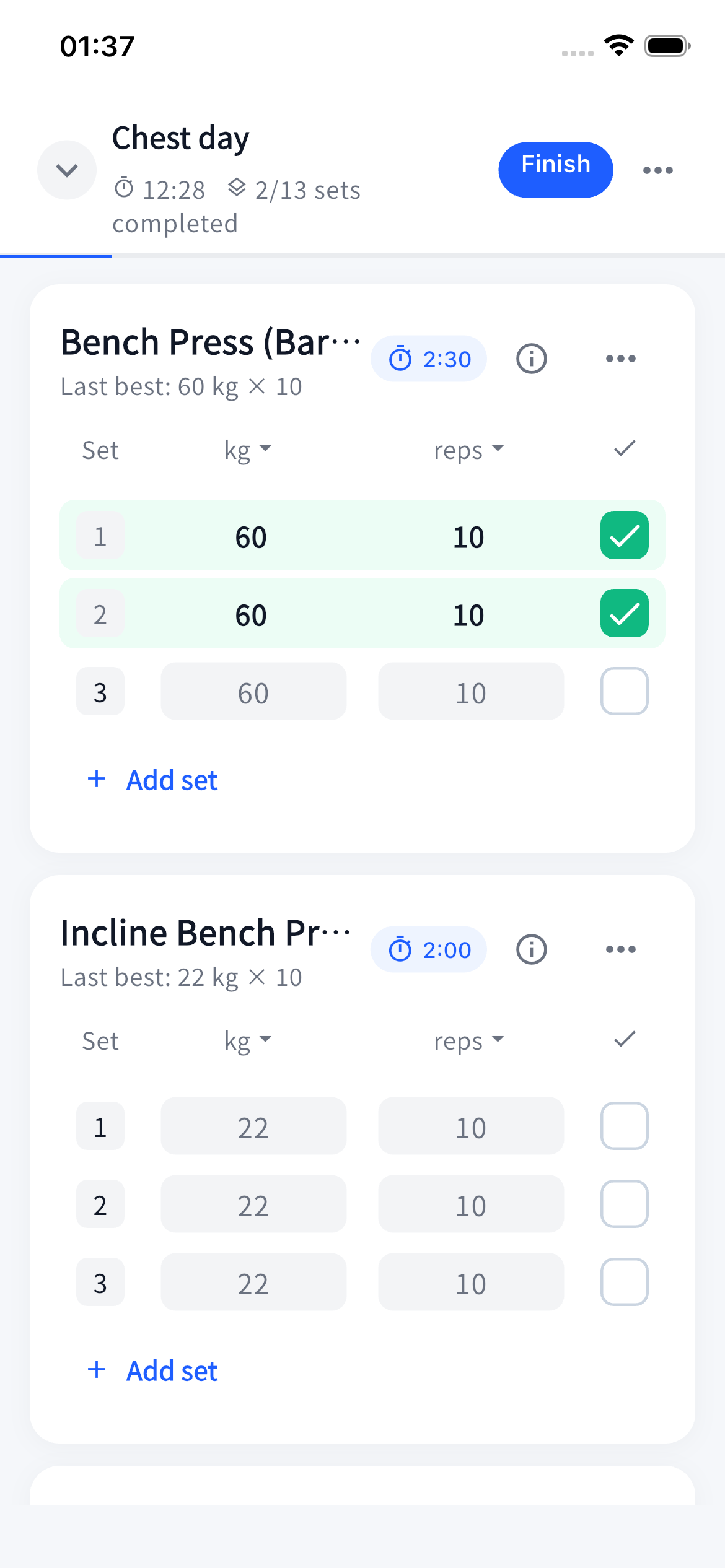
Keep your weights, reps and previous performance close. Log a set, take a rest, and pick up where you left off.
Keep your phone aside and stay with your workout. Bring a routine to your watch, log your sets, and send the finished session back to Solift.
Companion apps in preparationSelect routines on your phone and sync them before training. Once set up, cached routines stay available on the watch when your phone is out of reach.
Adjust weights and reps, complete a set, and follow your rest countdown. Add or remove 15 seconds, skip rest, or use timed sets when your exercise calls for them.
When your devices reconnect, completed workouts can return to your phone. The watch keeps pending records until the phone confirms they are saved.
With optional system workouts and the required permissions, Apple Watch can show estimated active energy; Wear OS can show estimated total energy, including resting energy. Manual set logging remains available without health access.
Final watch compatibility and availability will be confirmed at release.
Watch availability and compatibility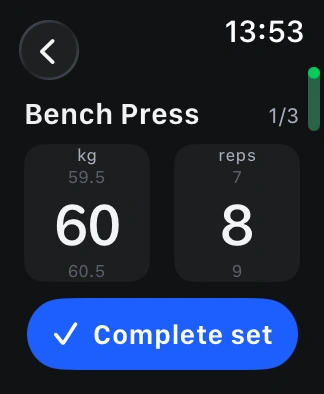
Paired with iPhone
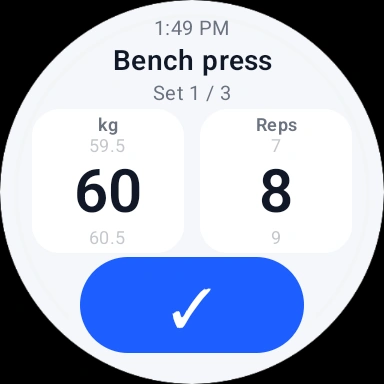
Paired with Android
Look back through your training history and follow your progress over time. Your records stay yours to revisit and export.
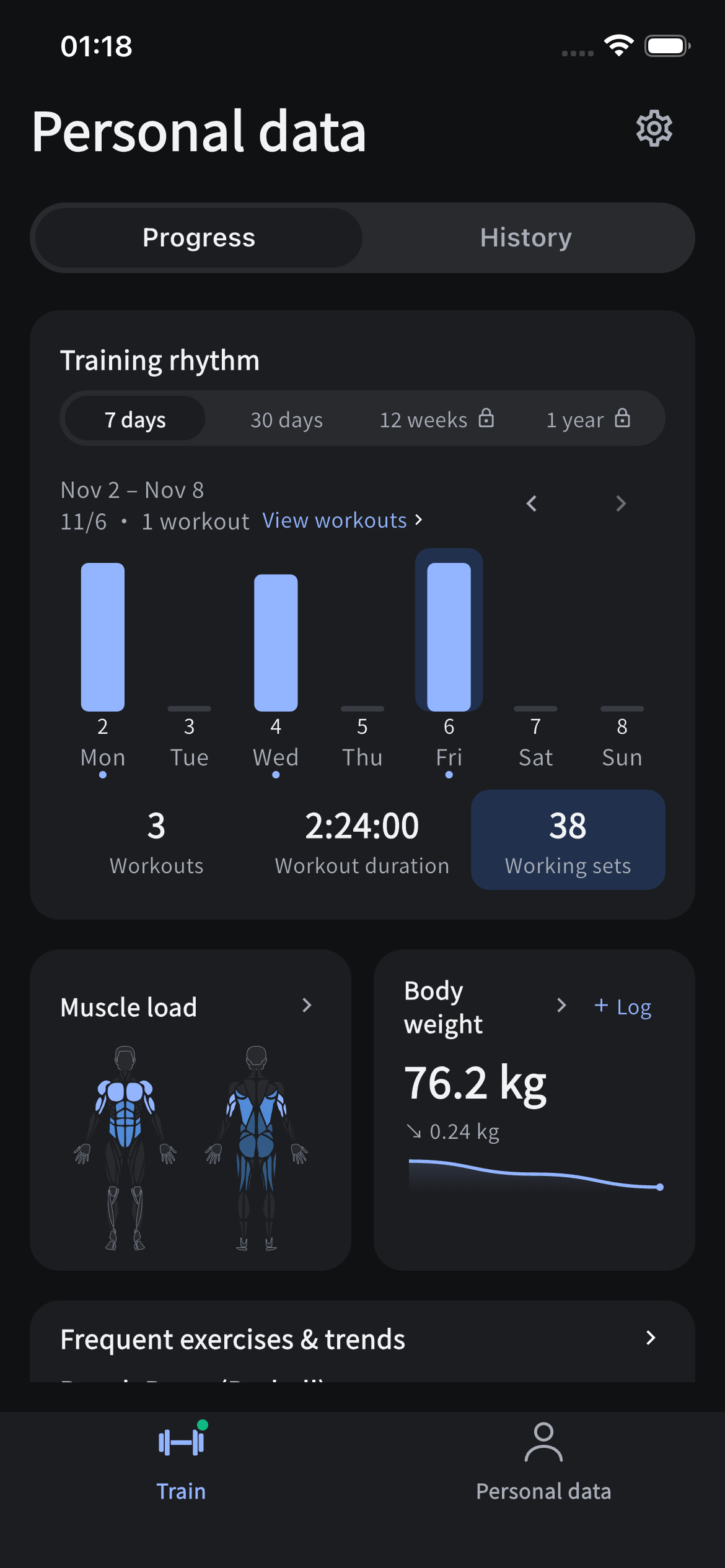
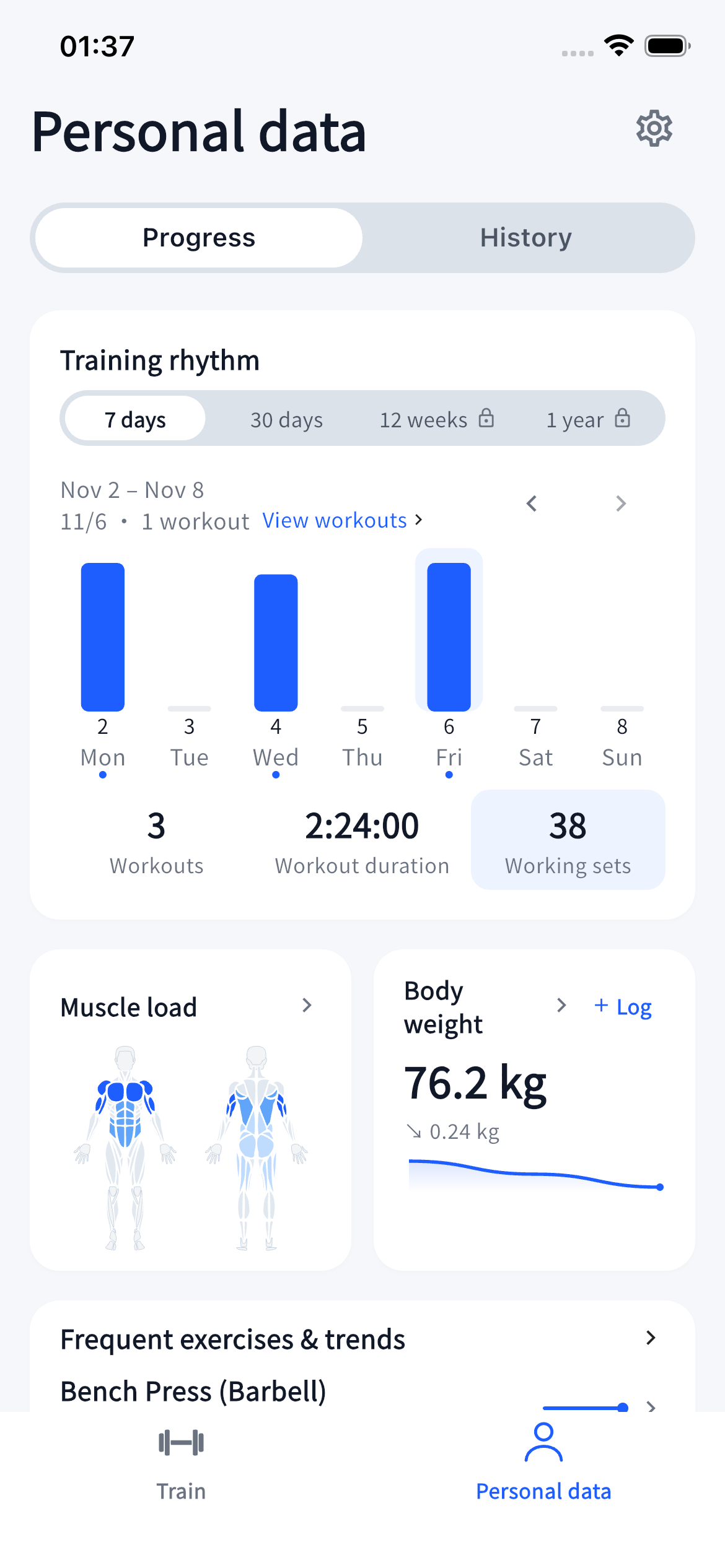
A workout finished. Another week of showing up. Turn the work you put in into a card to keep or share.
After saving a workout, swipe through the summary, muscles, exercises, weekly streak or full workout image.
Choose a style, add or hide your display name, and review the visible details. Personal notes stay out of share images.
Save an image or choose a destination in your phone’s share sheet. Images are created on your device. Sharing is always optional.
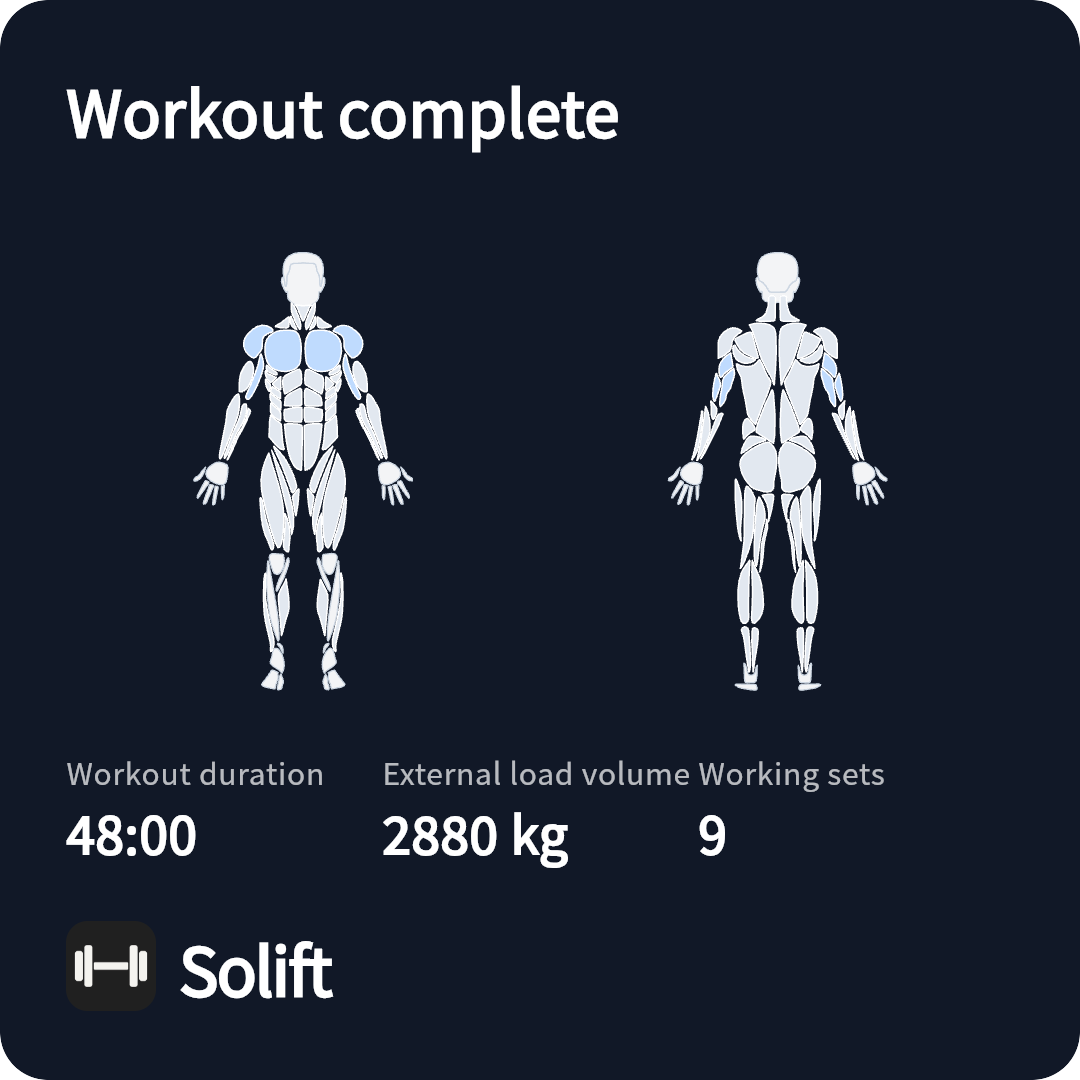
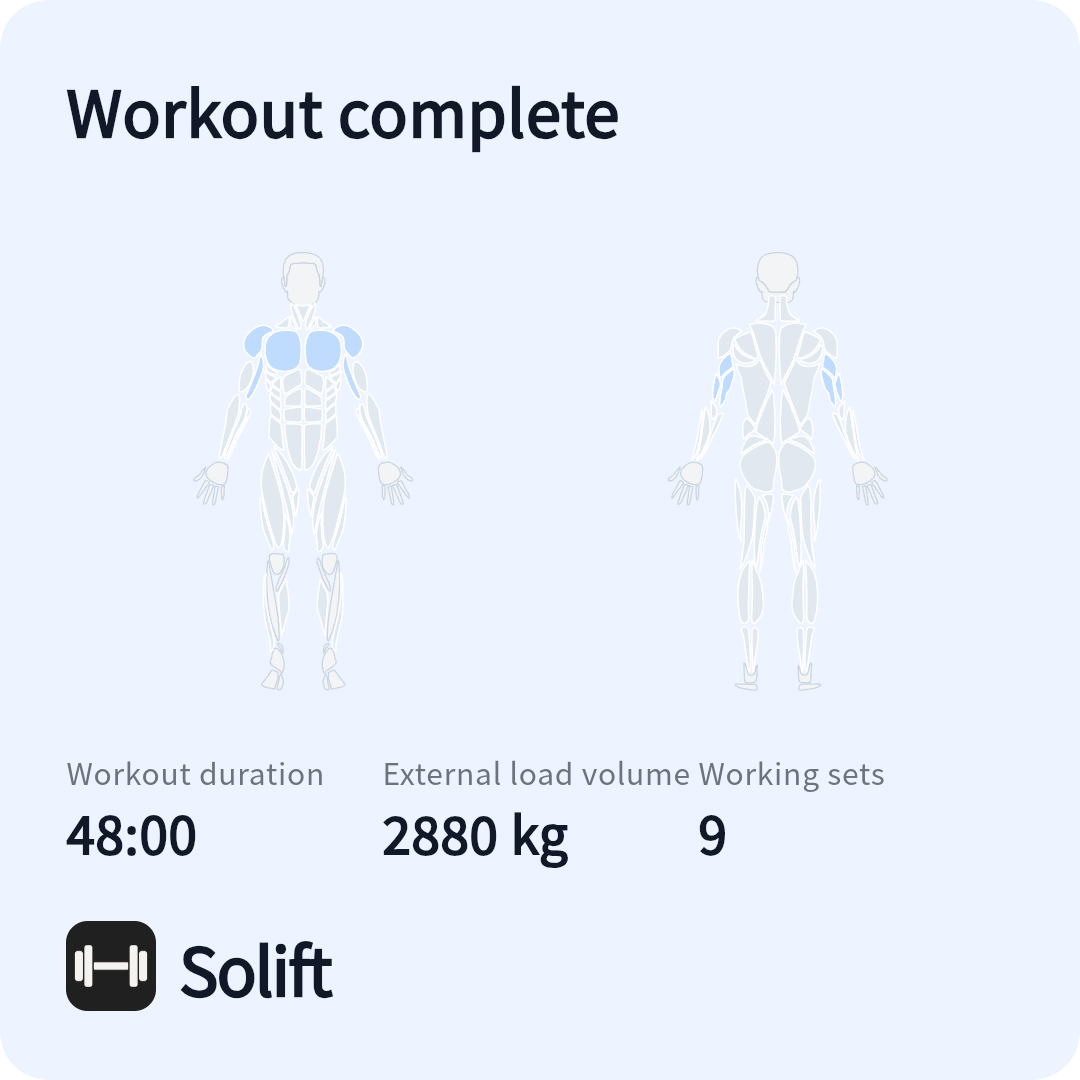
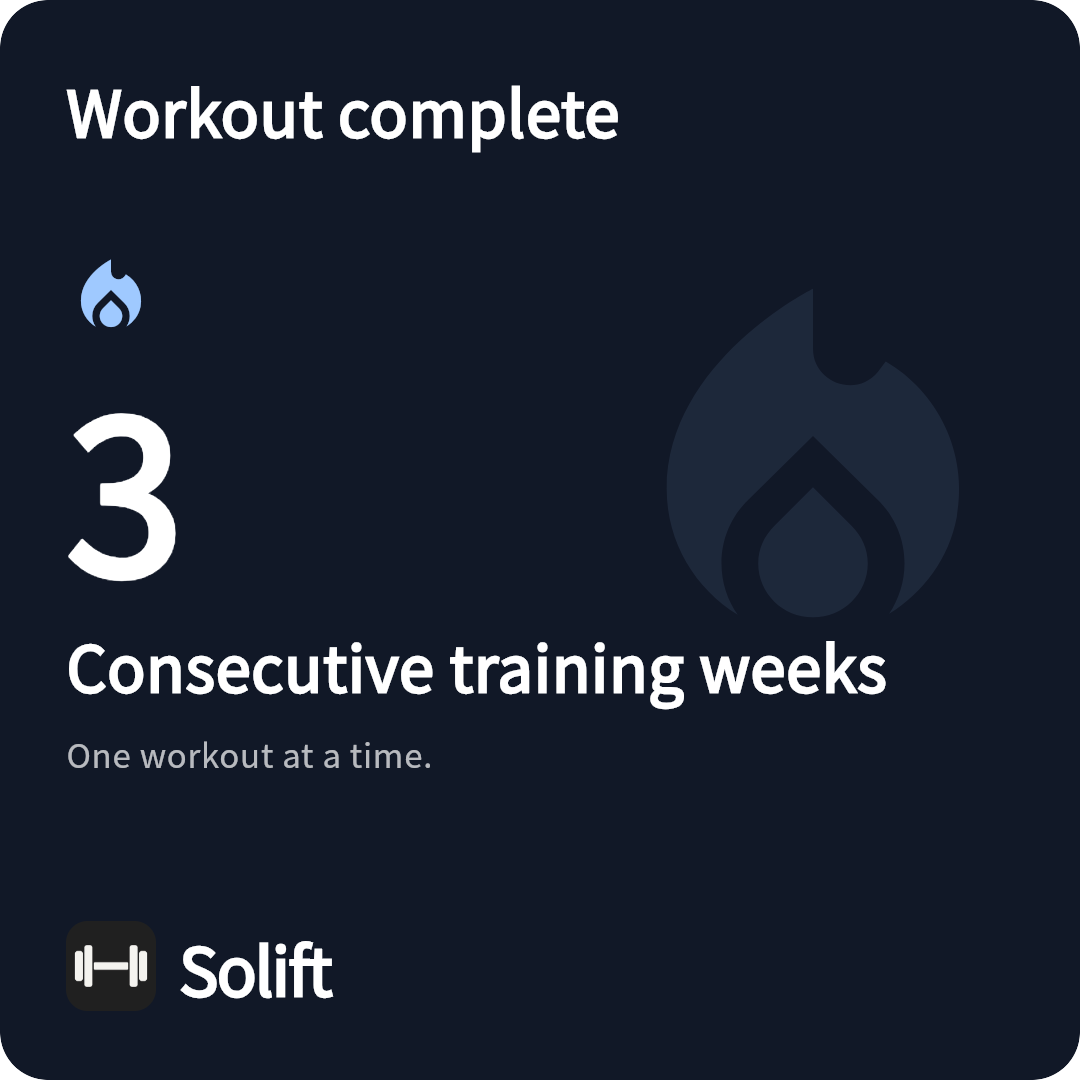
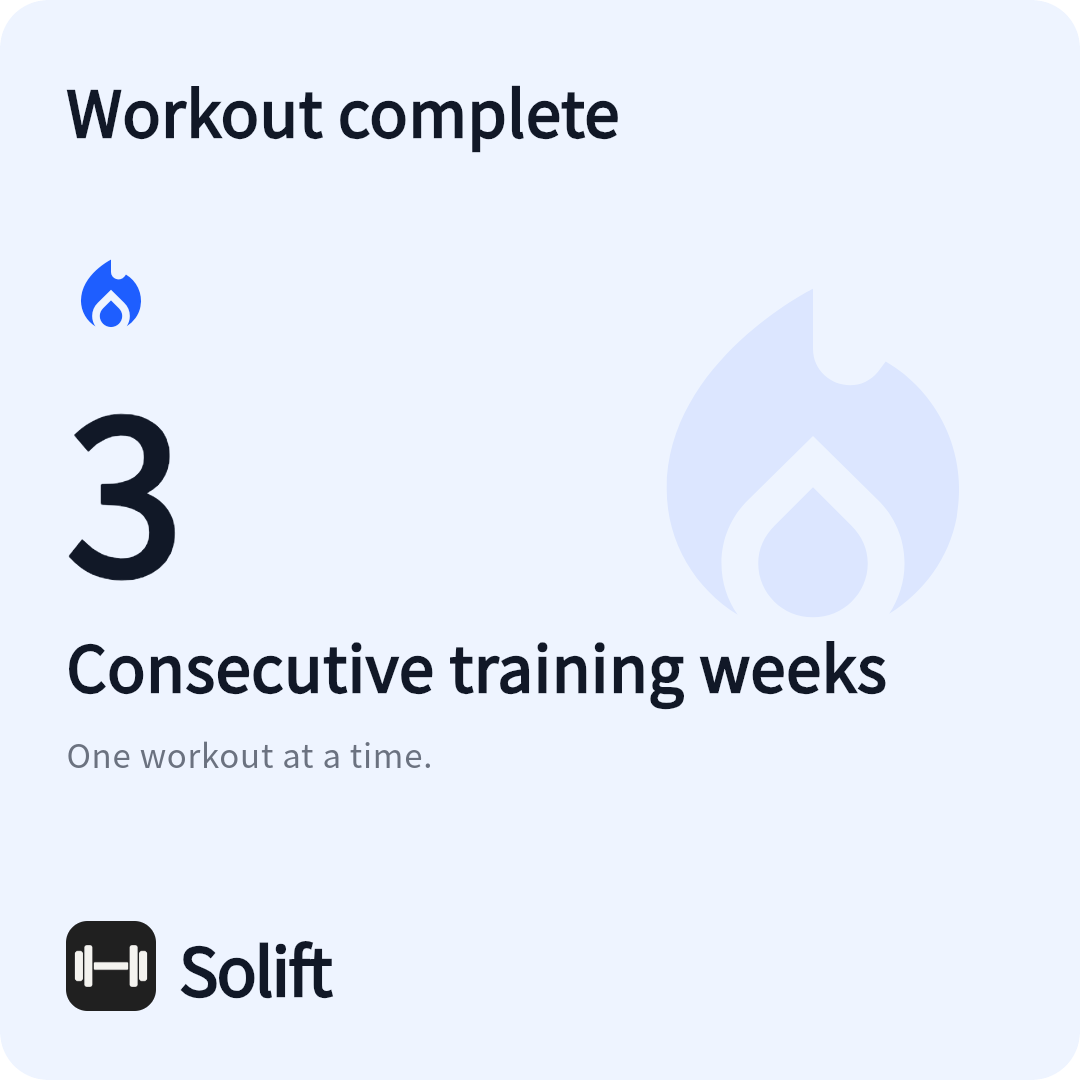
Screens show actual pre-release interfaces with demo data. Final features and platform support may vary.
Already logging with Hevy or Strong? Bring supported workout-history CSV files into Solift, then keep building on your own progress.
Export your workout history from your current app. Save the original CSV and keep your current app until you have checked the results.
Open the file in Solift’s data import. Review the preview, units and exercise mappings before confirming.
Compare a few sessions with the original, then start your next workout. Saved routines, social posts and attachments do not all transfer with history.
Preview supported Strong and Hevy CSV imports. Export your journal and make a deliberate backup before moving to another device.
Optional iCloud in configured iOS builds syncs selected structured data, not your complete journal. Android Drive sync is not available.
Understand sync and backupStart with the essentials. Upgrade when you want more routines or a longer view of your progress. Your existing workout history and exports stay available for free.
$0
No expiry. No subscription.
Planned launch price
USD $14.90
One-time purchase
Regular price after launch: USD $19.90
US pricing preview. The launch offer is not open yet; dates and local store prices will be confirmed at release. No payment is taken on this website.
Yes. The iOS public beta is available through TestFlight, and the Android test APK can be downloaded from this page. Official store releases are still in preparation. Back up your journal before updating a test version.
The planned US launch price is $14.90 once, followed by a regular price of $19.90. The offer is not open yet; dates and local prices will be confirmed at release. Free includes unlimited workout logging and history, 4 custom routines, 7 custom exercises and 30-day charts. Pro removes the creation quotas and adds long-term charts. Restore purchases with the original store account. Apple and Google purchases are separate; a backup or iCloud sync does not transfer Pro.
The current candidate supports previewing supported Strong and Hevy CSV exports before import. This transfers supported training records, not your entire account or every attachment. Keep the original file, review the preview, and check exercise mappings and units. Supported file variants are still being verified for release.
No. In supported, configured iOS builds, private iCloud sync is limited to structured journal fields. Names, notes, custom photos, body measurements and energy are excluded. A manual JSON backup retains more journal content, but not energy records or records still only on an offline watch. Android Google Drive sync is not available.
Solift supports 11 languages. iPhone screenshots and share-card previews follow this page’s language. Watch previews are in English. All use demo data.
Join the iOS beta through TestFlight, or download the Android test APK. These are test versions; the App Store and Google Play releases are still in preparation.
Android 7.0 or later · 64-bit ARM phones. Your browser may ask you to allow installation. Google Play purchases are not available in this direct-download test.
Report a problem · support@hihihiai.com