

THE EVERYDAY ESSENTIALS
Free. For your daily training.
$0
- Unlimited workout logging and history
- Unlimited workout templates
- 7 custom exercises
- Your latest 30 days of charts
- History corrections, imports and exports

Lift for yourself.
Log your training. See your progress.
Playback unavailable? Download the video below. Download this video
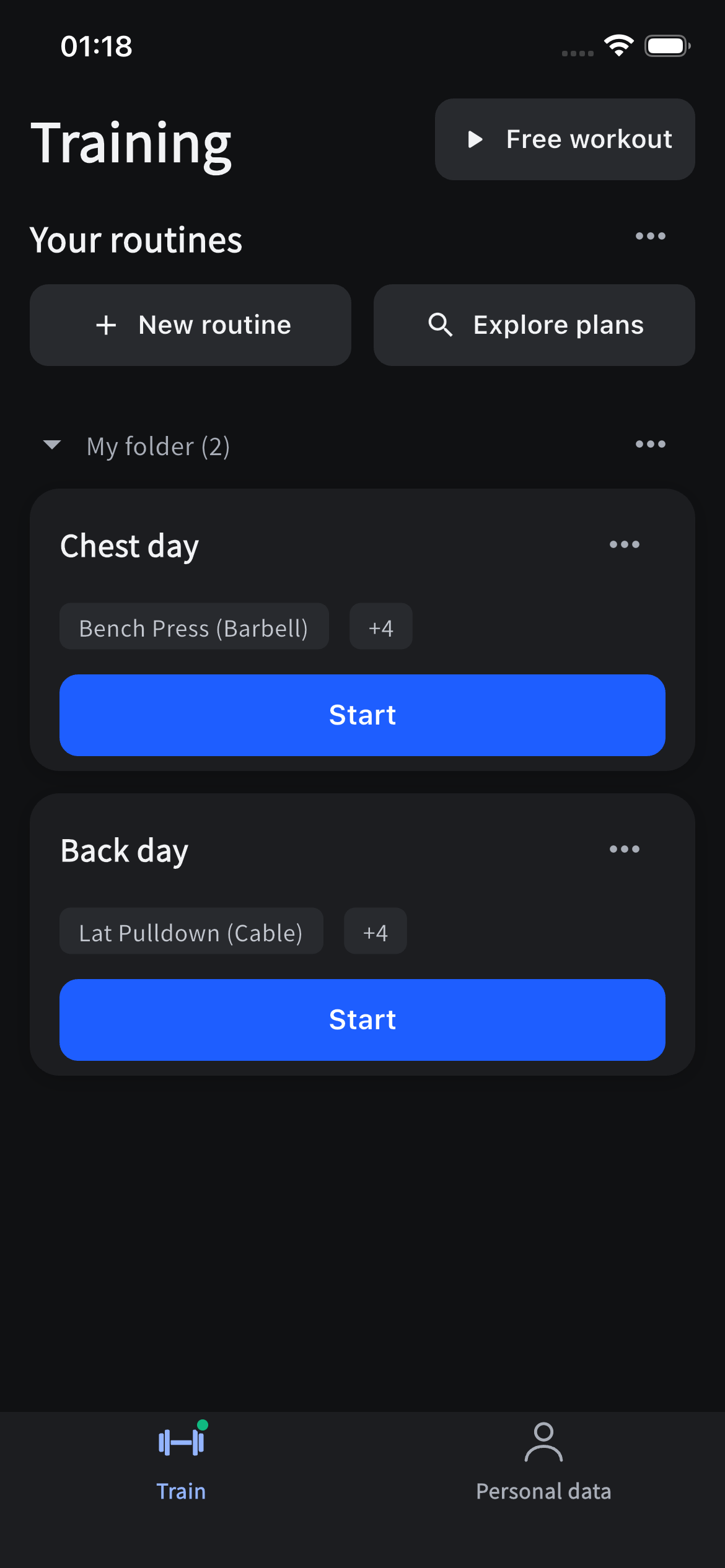
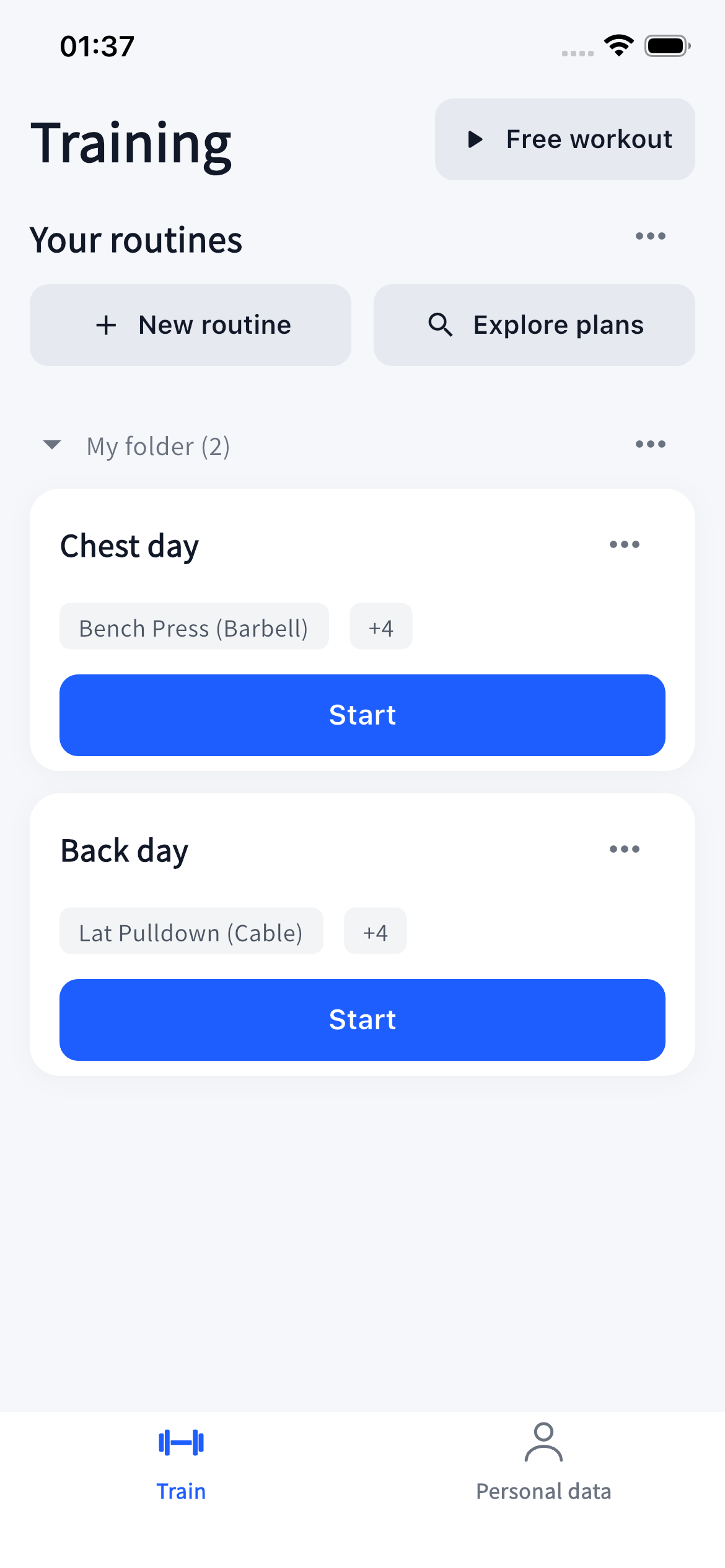
Choose exercises and plan weights, reps and rest times. Open the saved routine for your next session.
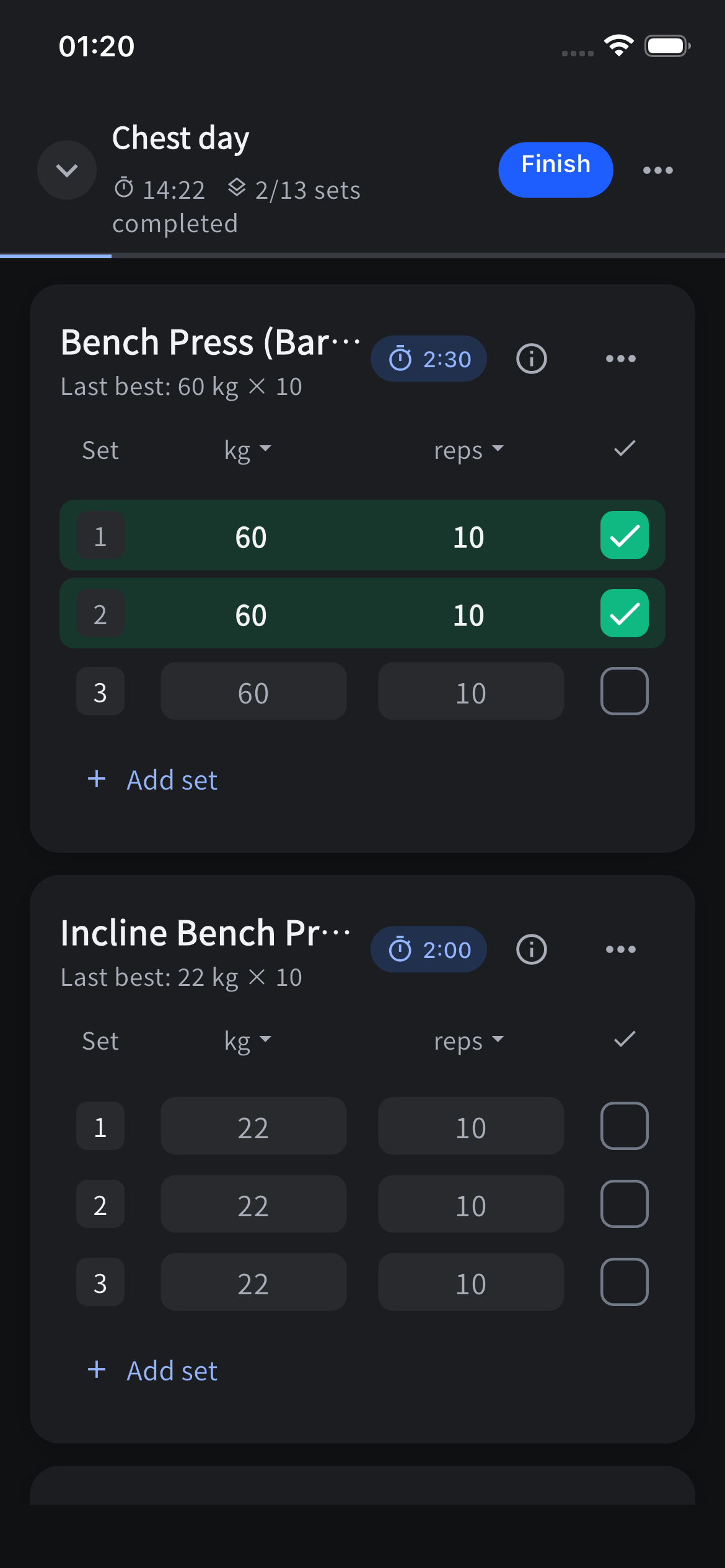
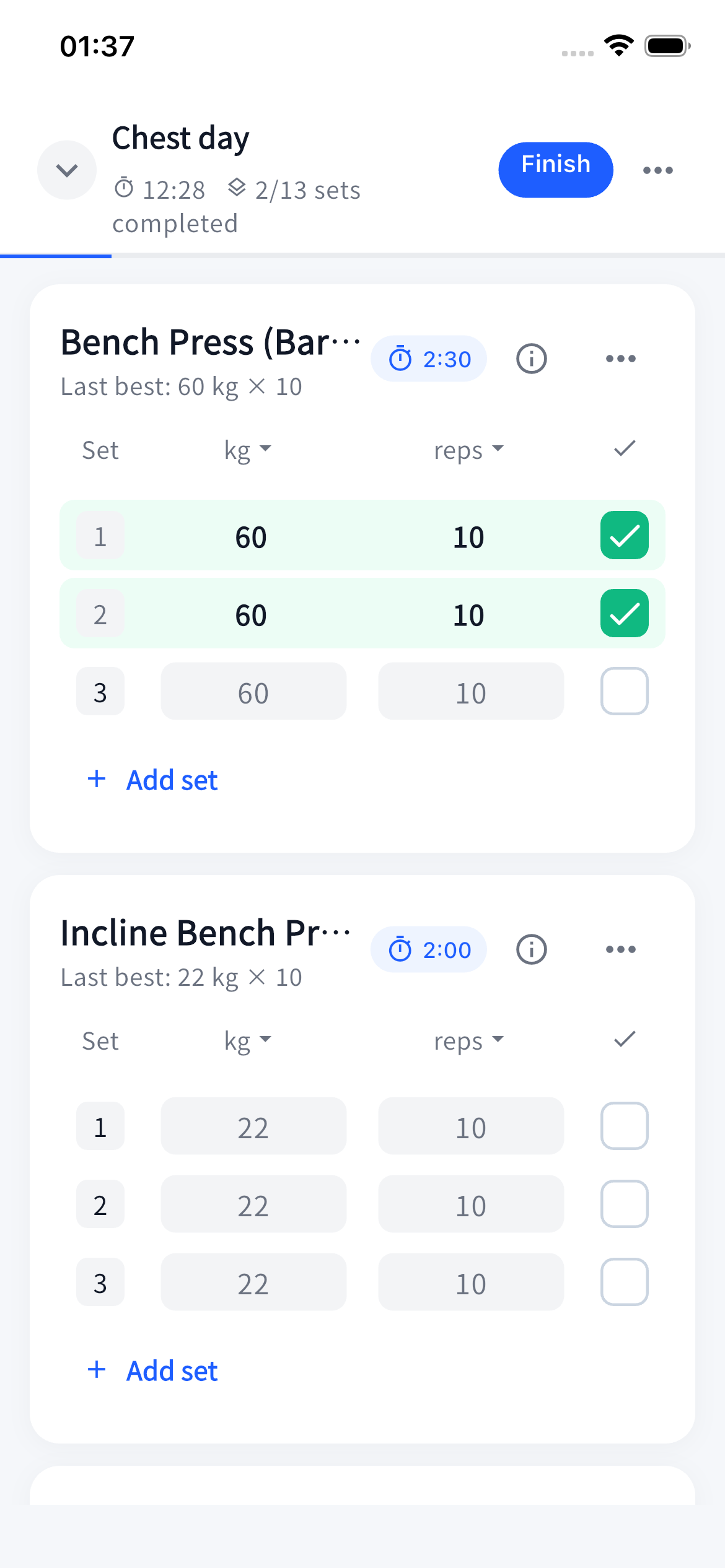
See your previous weights and reps, mark sets as complete and use the rest timer between sets.
Keep your phone aside and stay with your workout. Bring a routine to your watch, log your sets, and send the finished session back to LiftSelf.
Companion apps in preparationSelect routines on your phone and sync them before training. Once set up, cached routines stay available on the watch when your phone is out of reach.
Adjust weights and reps, complete a set, and follow your rest countdown. Add or remove 15 seconds, skip rest, or use timed sets when your exercise calls for them.
When your devices reconnect, completed workouts can return to your phone. The watch keeps pending records until the phone confirms they are saved.
With optional system workouts and the required permissions, Apple Watch can show estimated active energy; Wear OS can show estimated total energy, including resting energy. Manual set logging remains available without health access.
Final watch compatibility and availability will be confirmed at release.
Watch availability and compatibility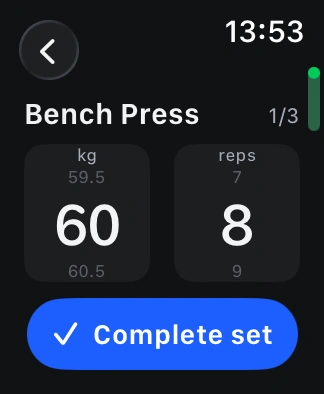
Paired with iPhone
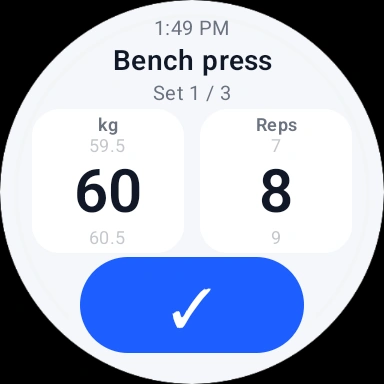
Paired with Android
Browse sessions by date, check exercise trends and training frequency, or export your records.
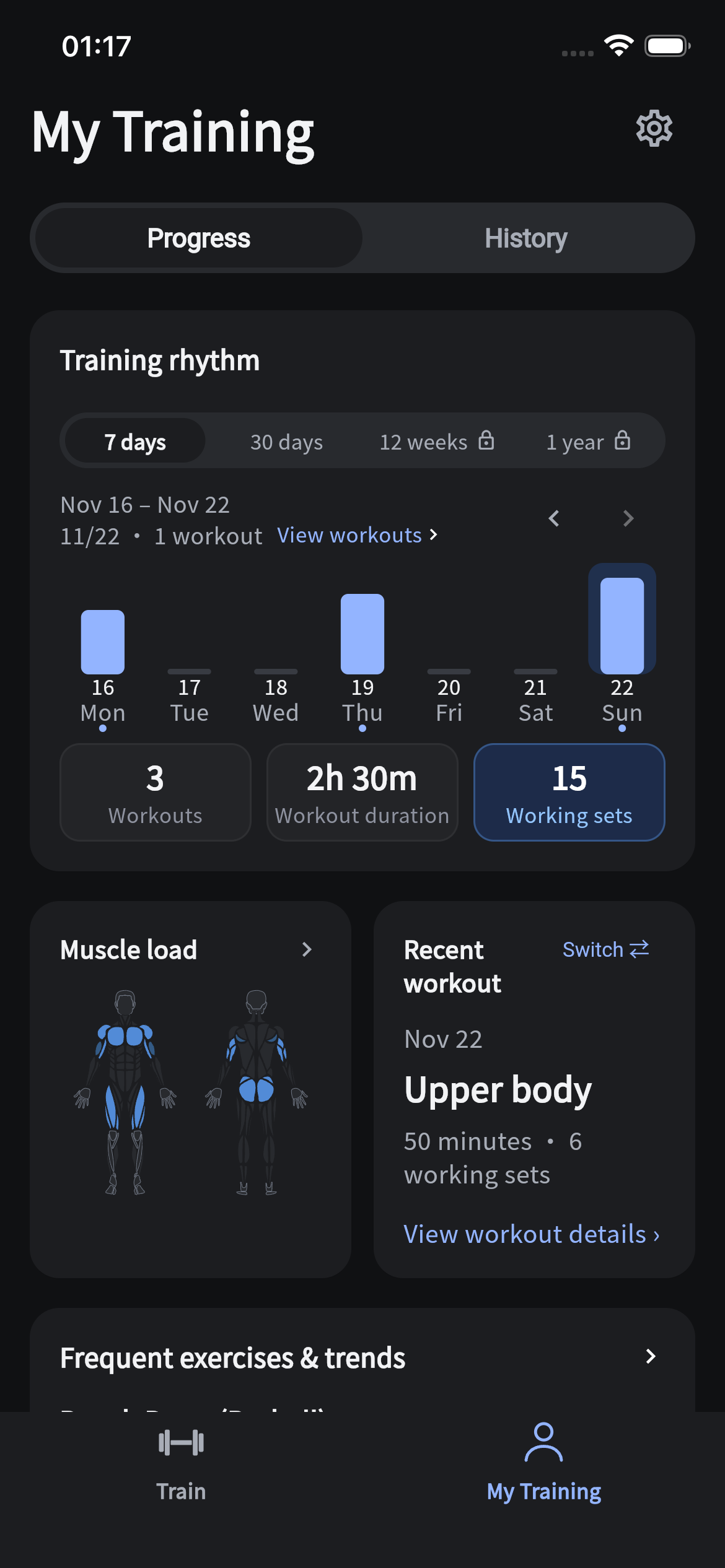
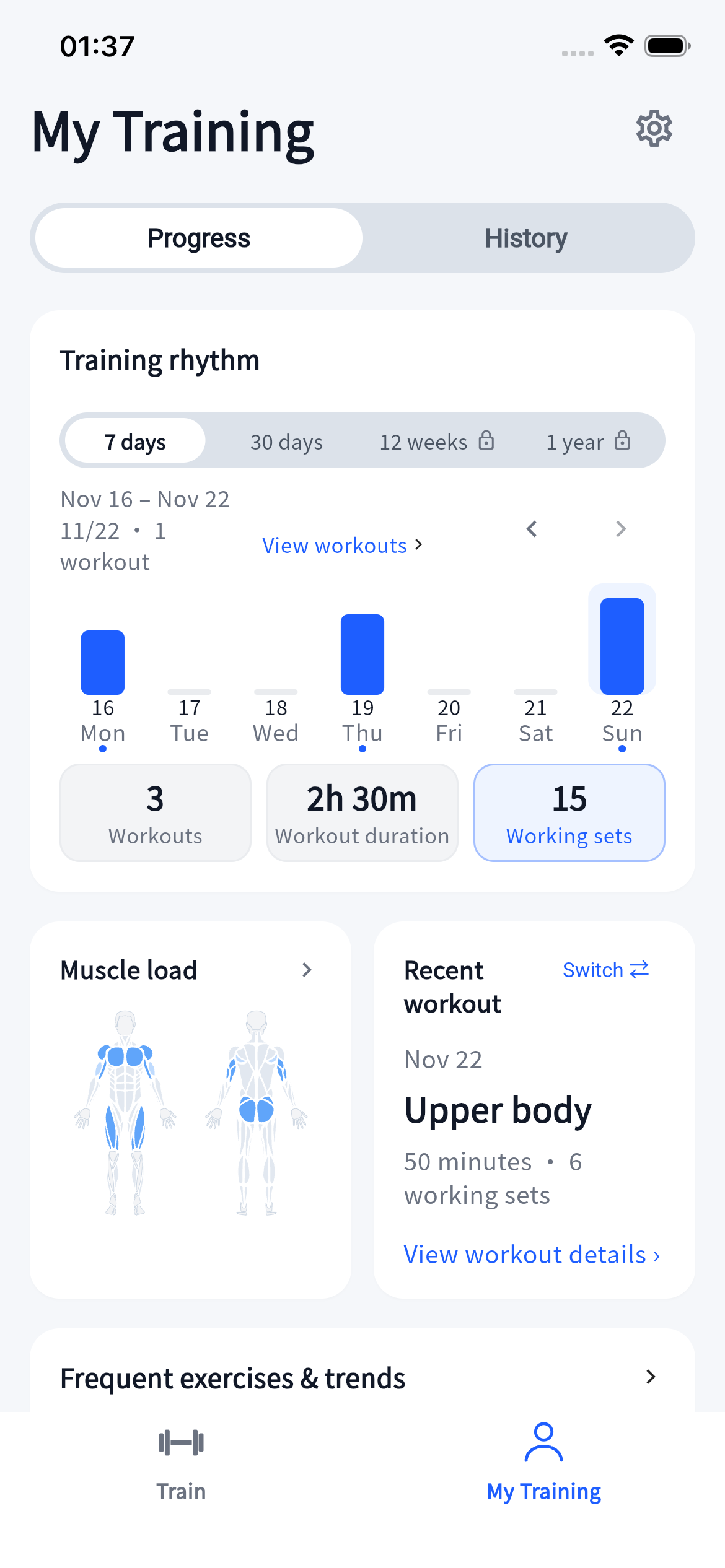
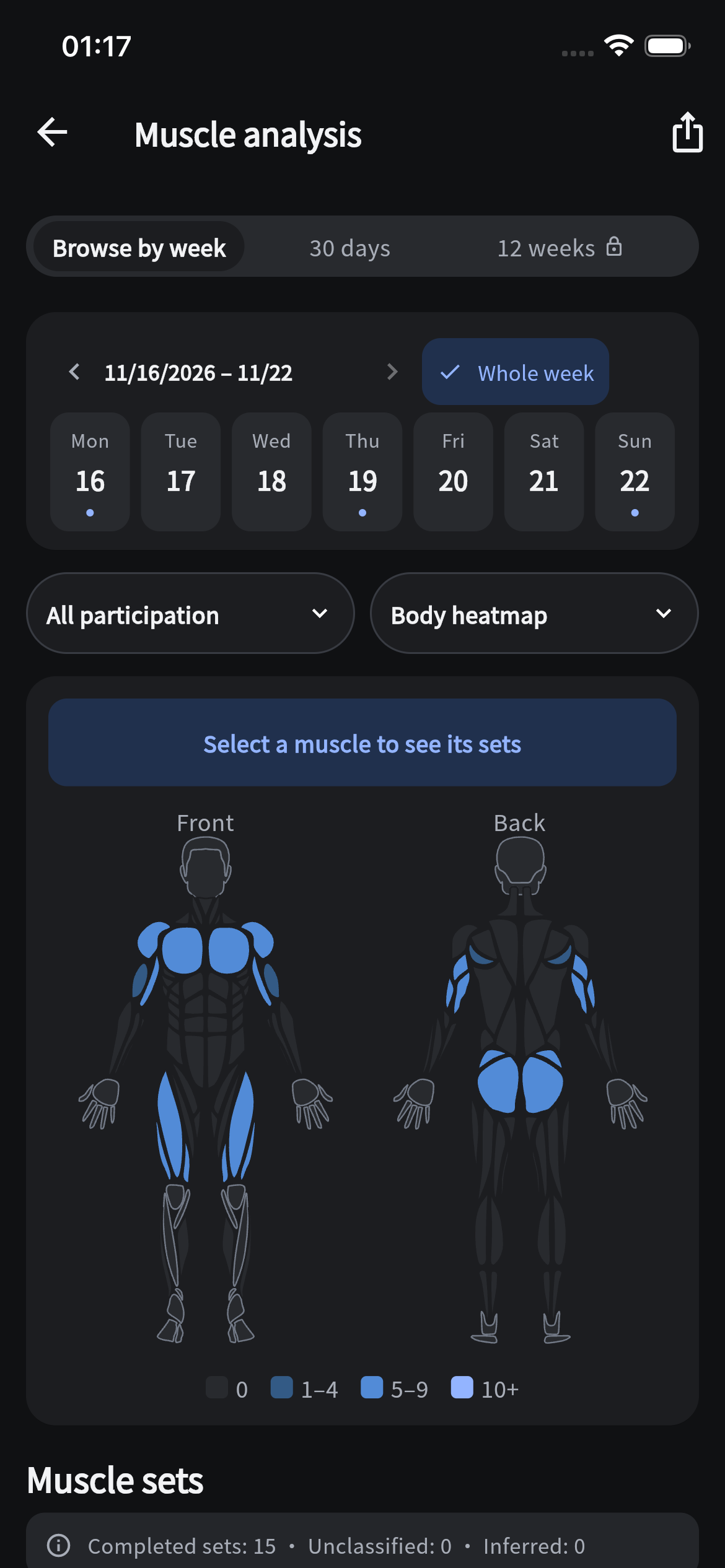
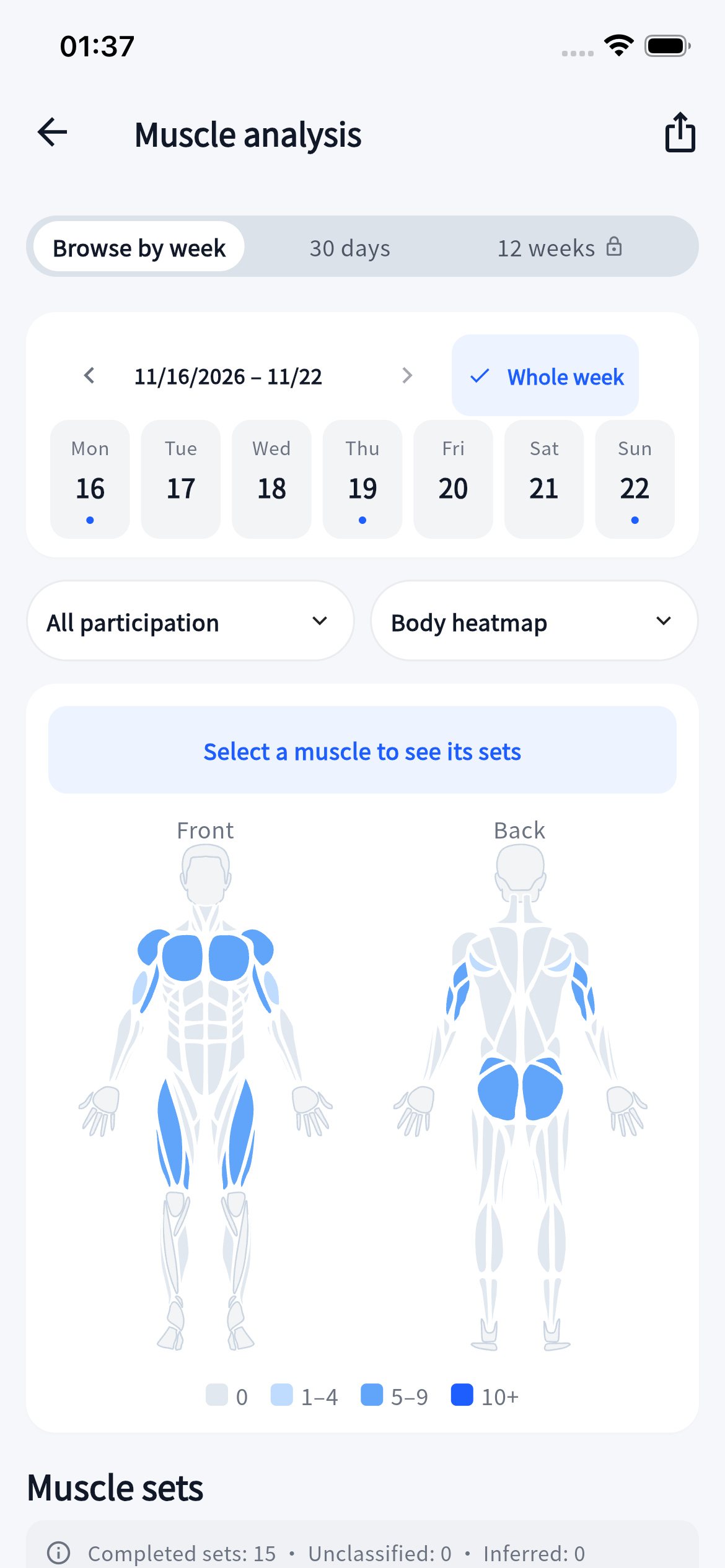
See which muscles you trained this week or over the last 30 days, with primary and secondary set counts for each muscle.
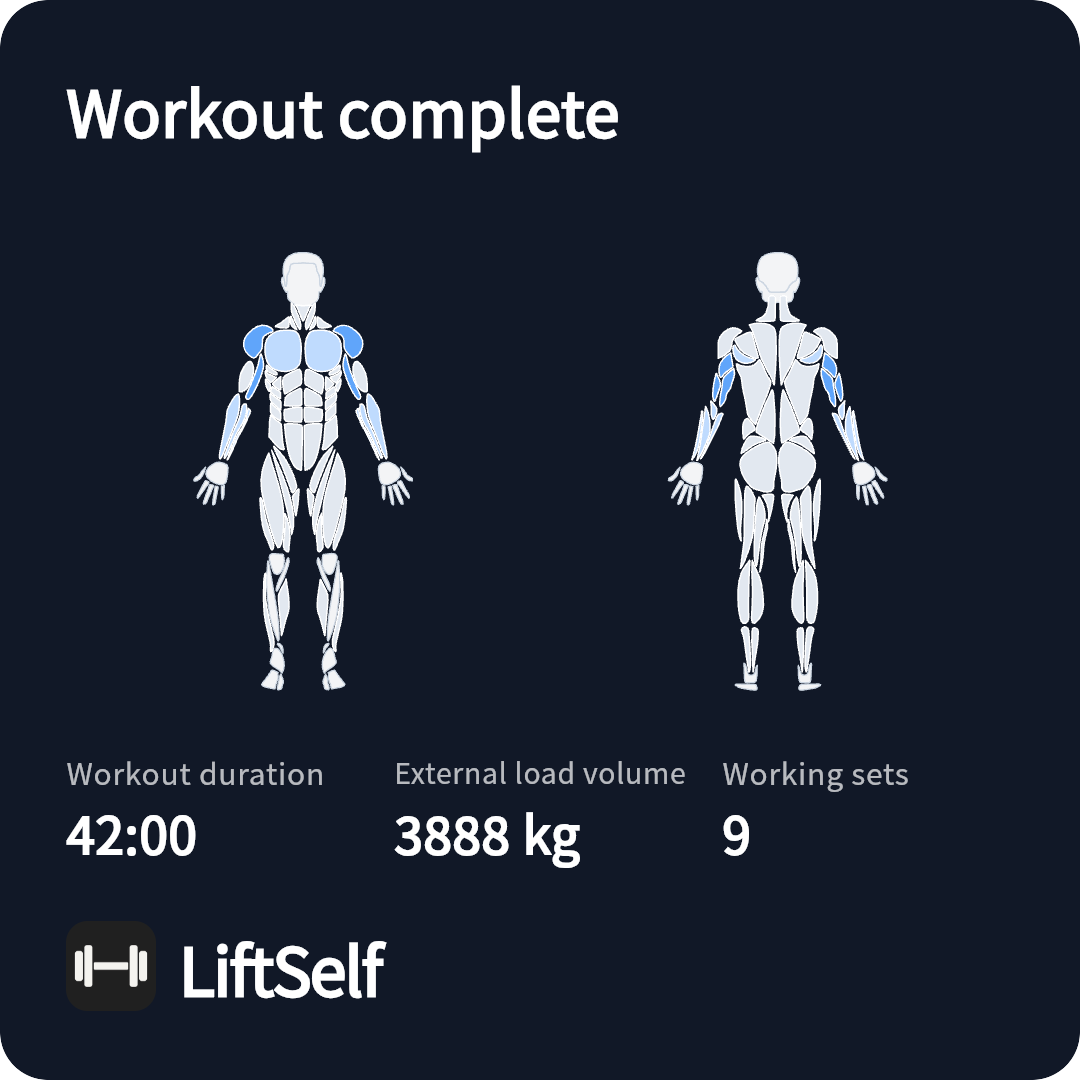
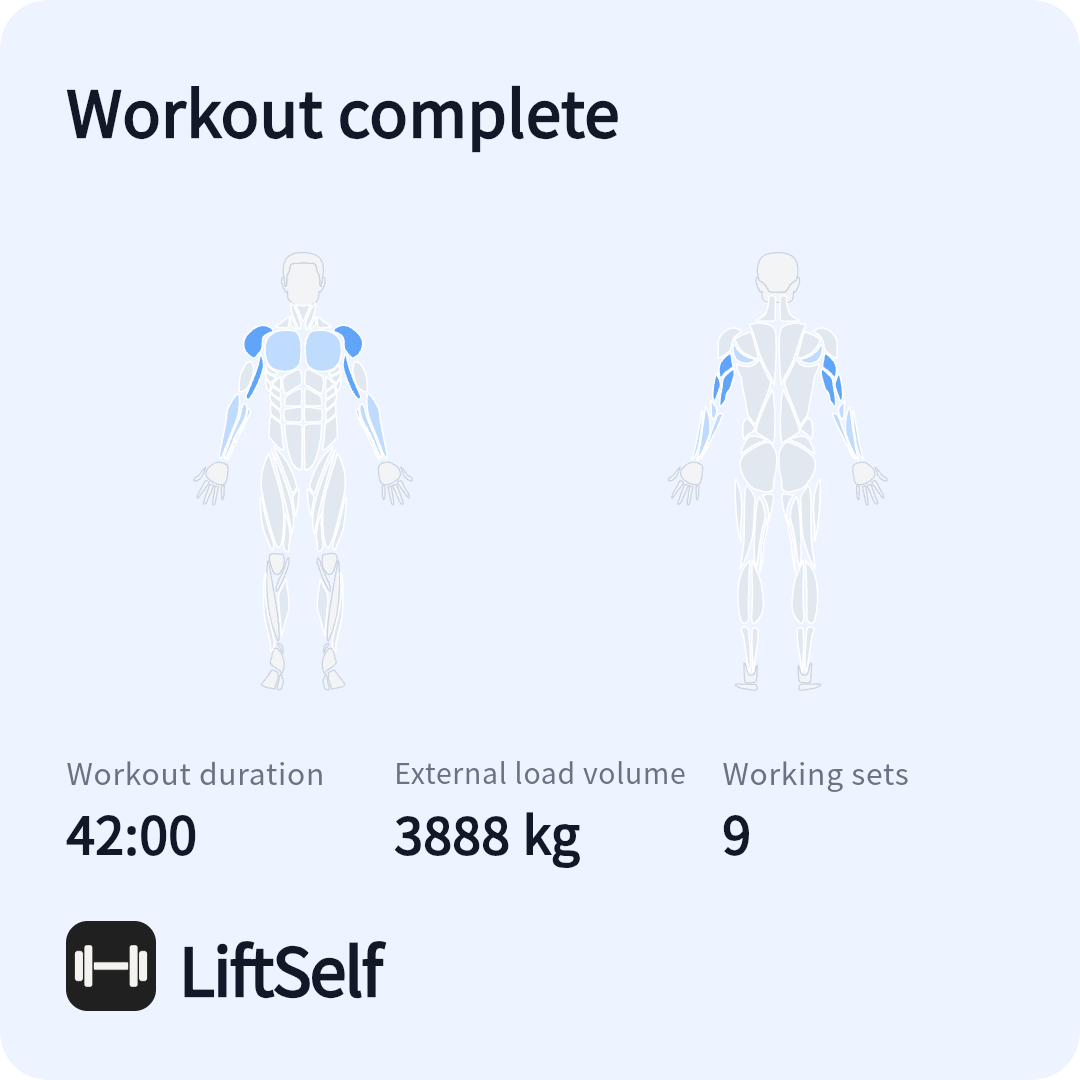
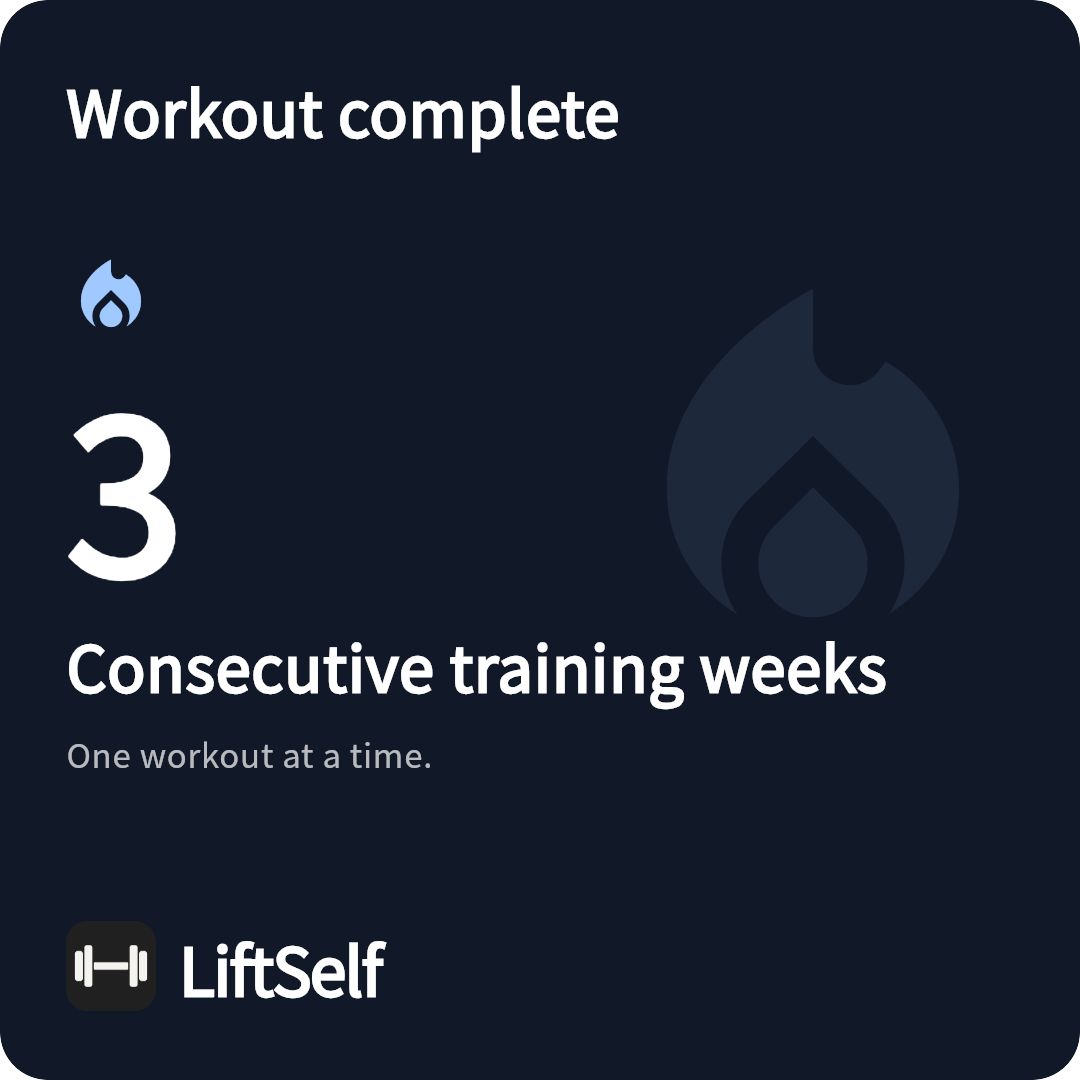
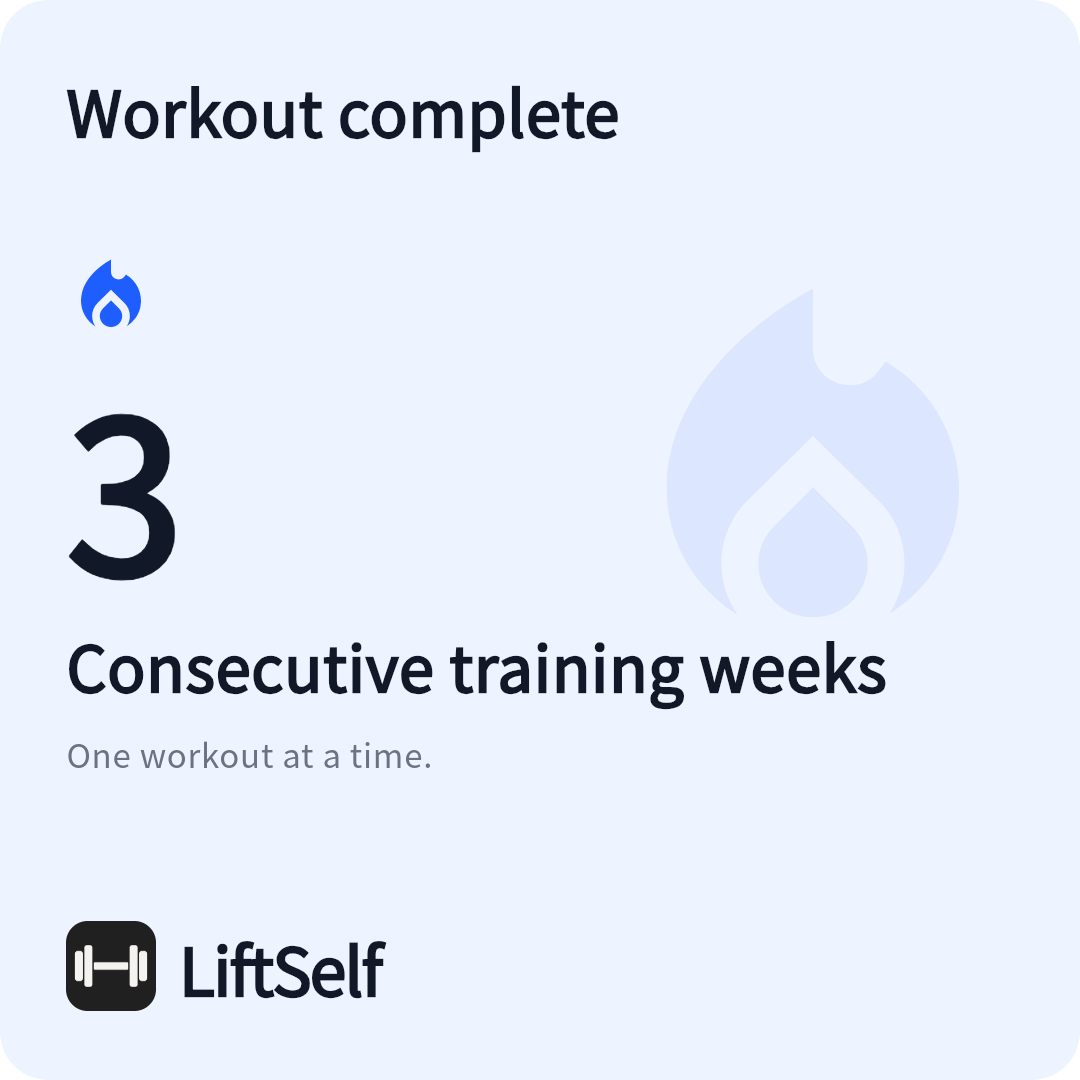
A workout finished. Another week of showing up. Turn the work you put in into a card to keep or share.
After saving a workout, swipe through the summary, muscles, exercises, weekly streak or full workout image.
Choose a style, add or hide your display name, and review the visible details. Personal notes stay out of share images.
Save an image or choose a destination in your phone’s share sheet. Images are created on your device. Sharing is always optional.
Screens show actual pre-release interfaces with demo data. Final features and platform support may vary.
Workout logging, unlimited templates and exports are free. Pro adds unlimited custom exercises and longer chart ranges.
$0
Planned launch price
USD $14.90
The planned U.S. price is $14.90 for the first 30 days of public App Store availability, then $19.90. Pay the localized price shown by the store.
| Availability | In preparation |
|---|---|
| Platforms | iOS and Android |
| Free use | Unlimited workout logging and history |
| Templates | Unlimited workout templates |
| Custom exercises | 7 custom exercises |
| Data & account | No LiftSelf account · On-device storage; optional private iCloud sync on supported Apple builds. Android uses file export/import, without cloud sync. |
| History import | Strong / Hevy CSV |
| One-time Pro | One-time purchase · Planned launch price: USD $14.90. Regular price after launch: USD $19.90 |
| Ads & social feed | No ads. No social feed, follows, likes or leaderboards. |
Routine and workout screenshots and share cards follow this page’s language. The watch images are in English.
Export workout-history CSV from your current app, then preview and check it in LiftSelf before importing.
Preview supported Strong and Hevy CSV imports. Export your journal and make a deliberate backup before moving to another device. Optional iCloud in configured iOS builds syncs selected structured data, not your complete journal. Android Drive sync is not available.
Export your workout history from your current app. Save the original CSV and keep your current app until you have checked the results.
Open the file in LiftSelf’s data import. Review the preview, units and exercise mappings before confirming.
After import, choose a workout from the file, edit it and save it as a template.
Yes. LiftSelf stores your workout log on your device and does not require a LiftSelf account. Core logging and history work offline. iCloud sync, purchases and restoring purchases require access to the relevant online service. Export a backup before reinstalling or changing phones.
LiftSelf is being prepared for iOS and Android. Public downloads are not available yet.
Keep the previous app installed and export a full JSON backup outside that app. In LiftSelf, preview and restore the file, then check your workouts and templates before removing the earlier installation. Store entitlements stay with the original app and store account.
Free includes unlimited workout logging, history and templates, seven custom exercises, and 30-day charts. A one-time purchase of LiftSelf Pro adds unlimited custom exercises and analysis for 12 weeks, one year and all history. The planned U.S. price is $14.90 for the first 30 days of public App Store availability, then $19.90. Pay the localized price shown by the store.
Yes, from supported workout-history CSV exports. In Settings → Your data → Backup & restore → Import data, open the file and check the dates, exercises and units in the preview. CSV imports completed workout records, not your account, saved routine library or all attachments. Keep the original export until you have checked the result. After import, choose a workout from the file, edit it and save it as a template. That includes workouts this file already imported. A complete LiftSelf backup contains saved LiftSelf templates.
On supported Apple devices, LiftSelf uses your private iCloud storage to sync saved routines, their names and notes, exercises and set plans, folders and order, and completed workout names, dates and set records. Workout notes, photos, body measurements, health and energy data, unfinished workouts and purchases are excluded. Apple provides iCloud. Android supports file export and import, without iCloud or Google Drive sync. iCloud sync is on by default. Turn it off in Settings → Your data → Backup & restore. Any sync already in progress finishes first; new sync operations then stop. Existing local and cloud data remain. Turning sync on again resumes changes and deletions. If syncing fails, the app shows a message and your local records remain available.
Open Settings → Your data → Backup & restore → Export data and save the LiftSelf JSON file outside the app. Import data accepts LiftSelf JSON and supported LiftSelf, Strong and Hevy CSV files. JSON restoration replaces the current journal after preview and confirmation. CSV merges the records shown in its preview and does not include the saved routine library. Export before changing phones or reinstalling. Health, energy and records not yet returned from a watch are managed separately.
Use Restore purchases on the LiftSelf Pro page with the store account that made the purchase. Apple and Google purchases are separate. Restoring Pro does not restore workout data, and a backup does not transfer a purchase. Payment, refund eligibility and requests are handled by the relevant store.
LiftSelf has Apple Watch and Wear OS companion apps for logging sets, timing rests and returning completed workouts to the paired phone. Their release and device availability are being verified. Optional health access is used for system workouts and energy estimates; manual set logging works without it. Watch transfer is not a full backup.
LiftSelf focuses on a private, offline strength-training journal: no LiftSelf account, no social feed and no subscription. Free use includes unlimited workouts and templates, seven custom exercises and 30-day charts. It can import supported Strong and Hevy workout-history CSVs, but does not reproduce their accounts, full routine libraries or every feature. Check each app’s current official listing for its own features and prices. LiftSelf is being prepared for iOS and Android. Public downloads are not available yet.
LiftSelf is being prepared for iOS and Android. Public downloads are not available yet.
support@hihihiai.com